For Twitch · YouTube · Kick

Your Stream, Lit Like a Dark Fantasy Film

Animated Starting Soon, Be Right Back and Offline scenes that look like the opening shot of a game nobody has played yet. 1080p, 60fps, seamless loops. Drop them into OBS and go.

No account, no subscription. The free scene is a full 1080p60 loop, not a watermarked teaser.

1080p · 60fps Seamless loop OBS & Streamlabs MP4 · no plugin
The Collection

Six Scenes. One Continuous World.

Most overlay packs are six unrelated wallpapers with different text on them. These six were built as one place — the same fog, the same firelight, the same colour grade — so your channel reads as a single world whether someone lands during the countdown or the credits.

Looping
01 · Starting SoonThe room before anyone arrives. Embers drifting, banners moving.
Looping
02 · Be Right BackQuieter, warmer. Reads as a pause, not a dead channel.
Looping
03 · Just ChattingOpen composition with room for your webcam and chat box.
Looping
04 · IntermissionFor raids, breaks and the space between two games.
Looping
05 · Stream EndingThe last shot people see. Built to hold on screen for minutes.
Looping
06 · OfflineYour channel page when you are asleep. Still says something.

Every scene ships twice — once with the title burned in, once completely clean for your own typography.

Vol. I

Dark Fantasy Stream Scenes

The complete set. Twelve video files, six preview stills, an install guide and a plain-language licence.
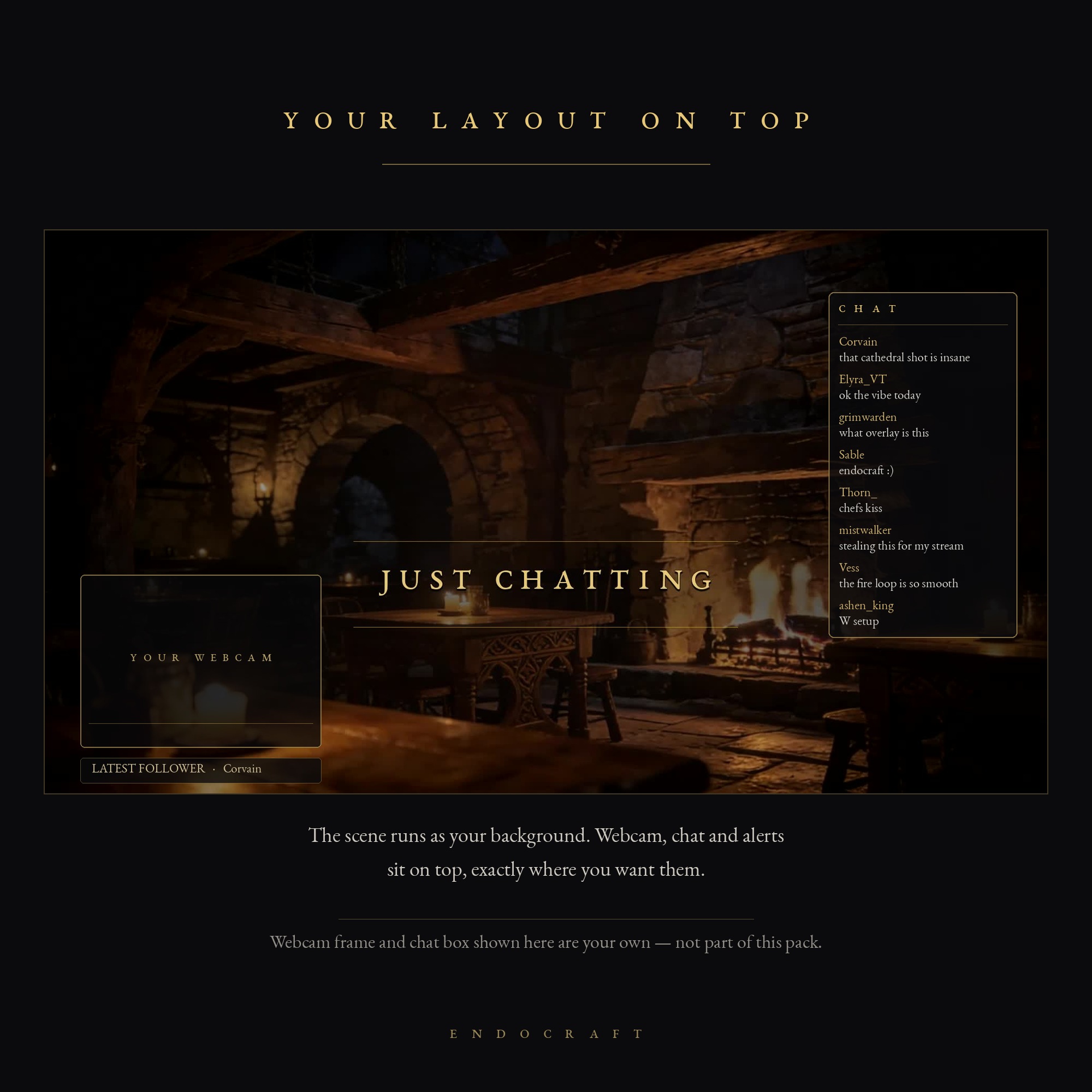
Dark Fantasy Stream Scenes Vol. I in use

Vol. I — Six Animated Scenes

$24 one-time · instant download · yours to keep
  • 6 scenes with titles + the same 6 completely clean
  • 1920×1080, 60fps, seamless MP4 loops
  • 6 preview stills for thumbnails and panels
  • Install guide for OBS and Streamlabs
  • Use on Twitch, YouTube, Kick and in your VODs
Get Vol. I — $24
Start here

Take One Scene. It Costs Nothing.

The Starting Soon scene, full resolution, no watermark, no strings. Put it on your stream tonight and see how it holds up on a real channel with real chat over it. If it does not fit your look, you have lost a download.

Download the free scene

You will get an email with the download link. That is the whole process.

Before you buy

The Technical Part

Everything you would otherwise have to ask.

Format
MP4, H.264. Plays natively in OBS Studio, Streamlabs, XSplit and anything else that reads a video file.
Resolution
1920×1080 at 60fps. Scales cleanly to 1440p canvases; not built for 4K.
Looping
First and last frame match. Tick “Loop” on the media source and it runs all night without a visible cut.
Audio
None. Silent by design so your own music or the game keeps the sound stage.
Setup
Add a Media Source, point it at the file, tick Loop. Under two minutes for all six.
Licence
Use on your own channels, including monetised ones, forever. Do not resell or redistribute the files themselves.
Two things you should know

Said Plainly

These are full-screen backgrounds

They are not transparent webcam frames, chat boxes or alert graphics. Each file fills the whole canvas and everything else — your camera, your chat, your labels — goes on top in OBS. If what you need is a webcam border with a hole in the middle, this pack is the wrong purchase and I would rather you know that now than after.

The imagery is AI-generated, then curated by hand

The raw frames come out of generative models. What follows is the part that takes the time: hundreds of candidates thrown away, the survivors colour-graded, retimed, cleaned up and cut into loops that actually match at the seam. I would rather say that on the page than have you find it out later. If AI-assisted artwork is a line you do not cross, that is a fair line, and this is not for you.

One of one

Want a Scene Built Around Your Channel?

Your colours, your logo composited in, a location that matches the games you actually play. Tell me the channel and the mood and I will build the scene for it.

Ask for a custom scene